Your phone is keeping you out of the cage.
Block your apps until you take your swings — counted off the tee on your phone, then broken down by your built-in AI hitting coach.

How it works
Three steps. Under a minute to set up.
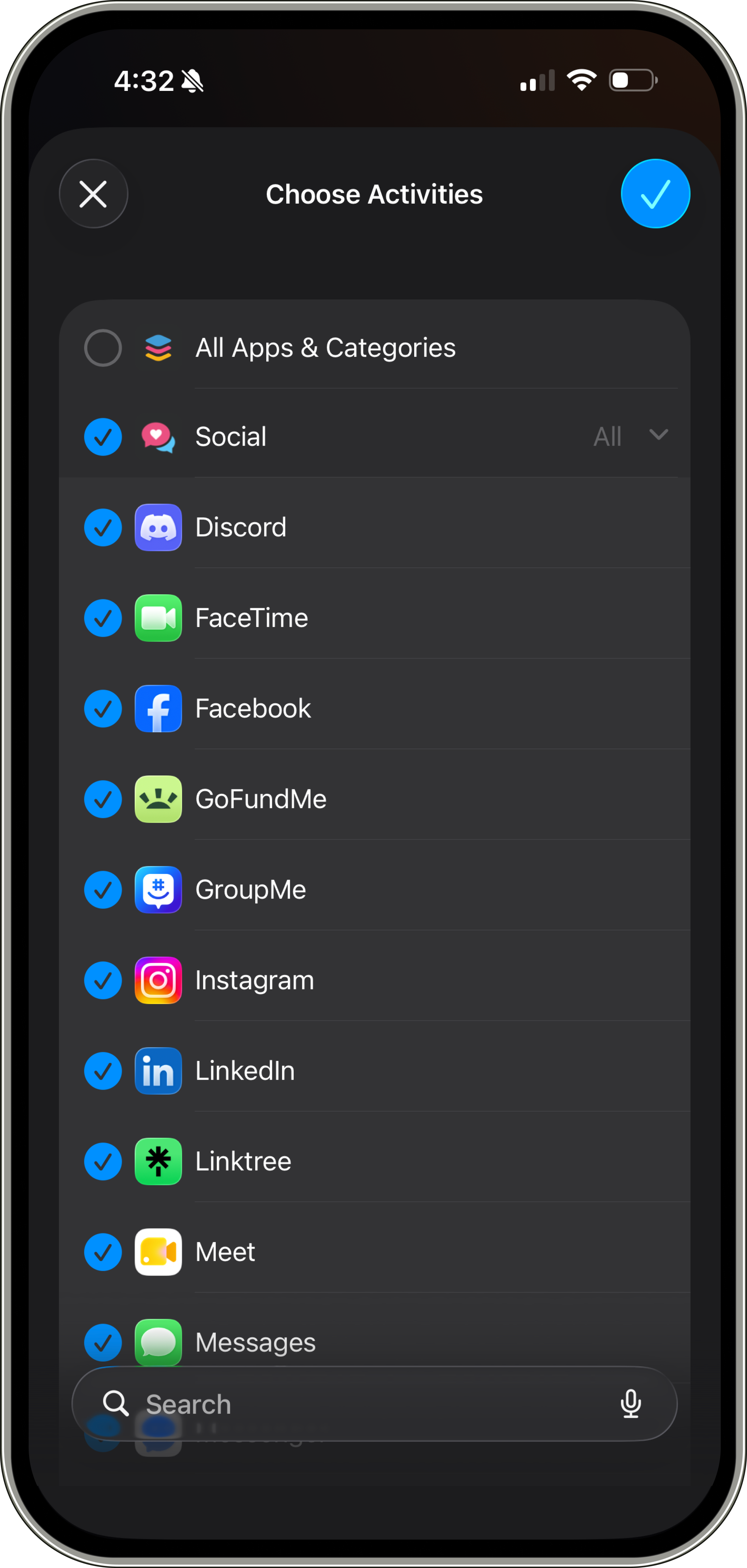
Pick your apps
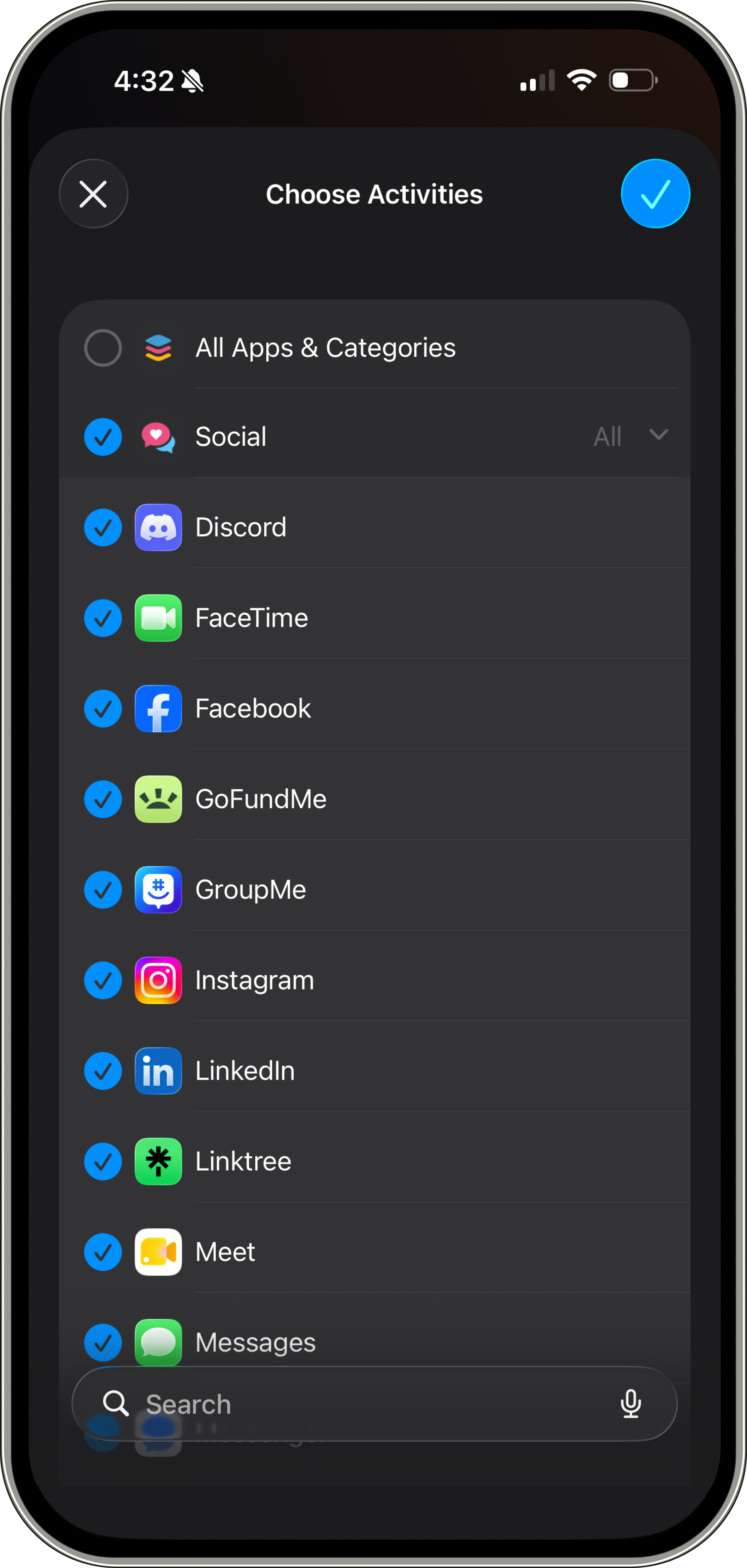
Choose what to lock — TikTok, Instagram, games.
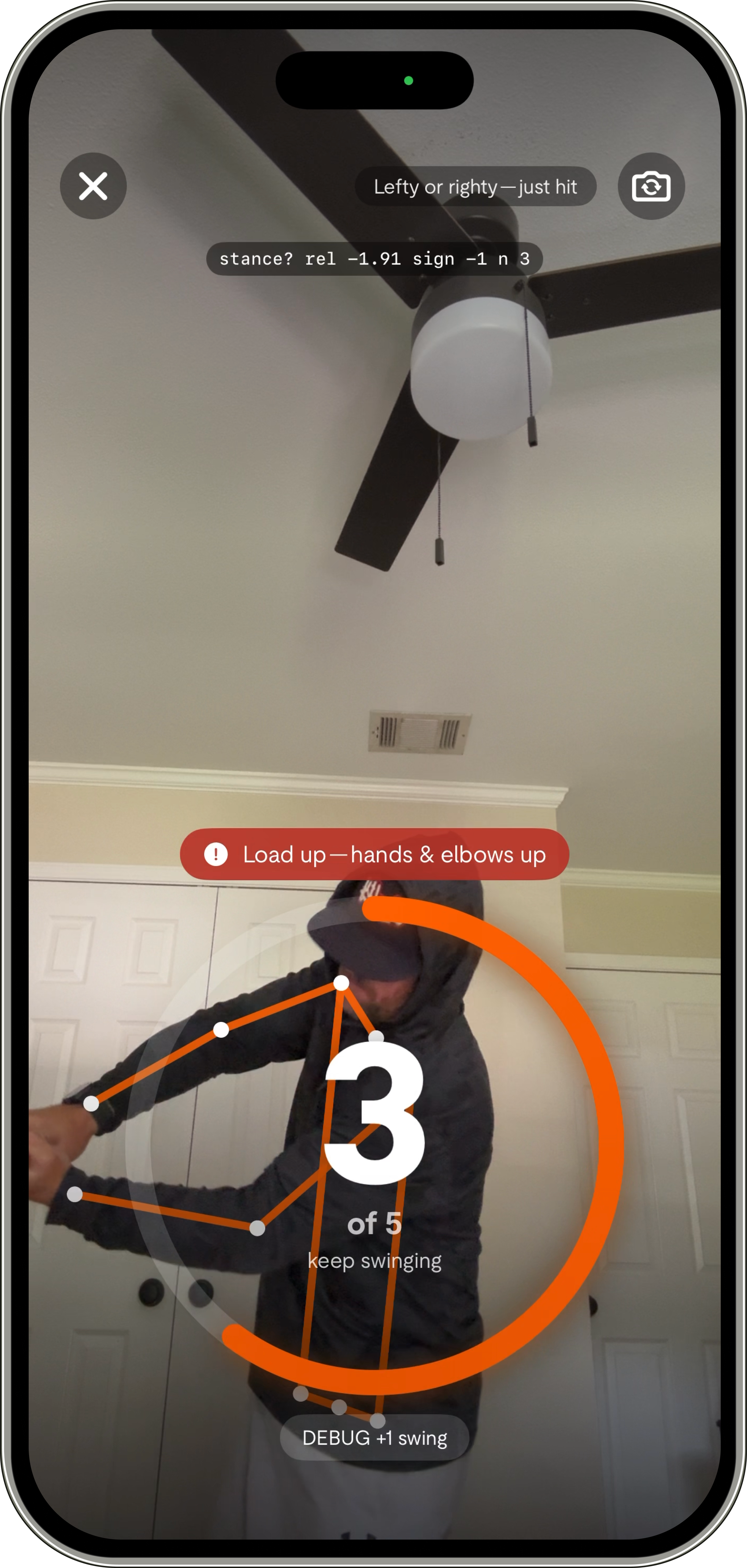
Take your hacks
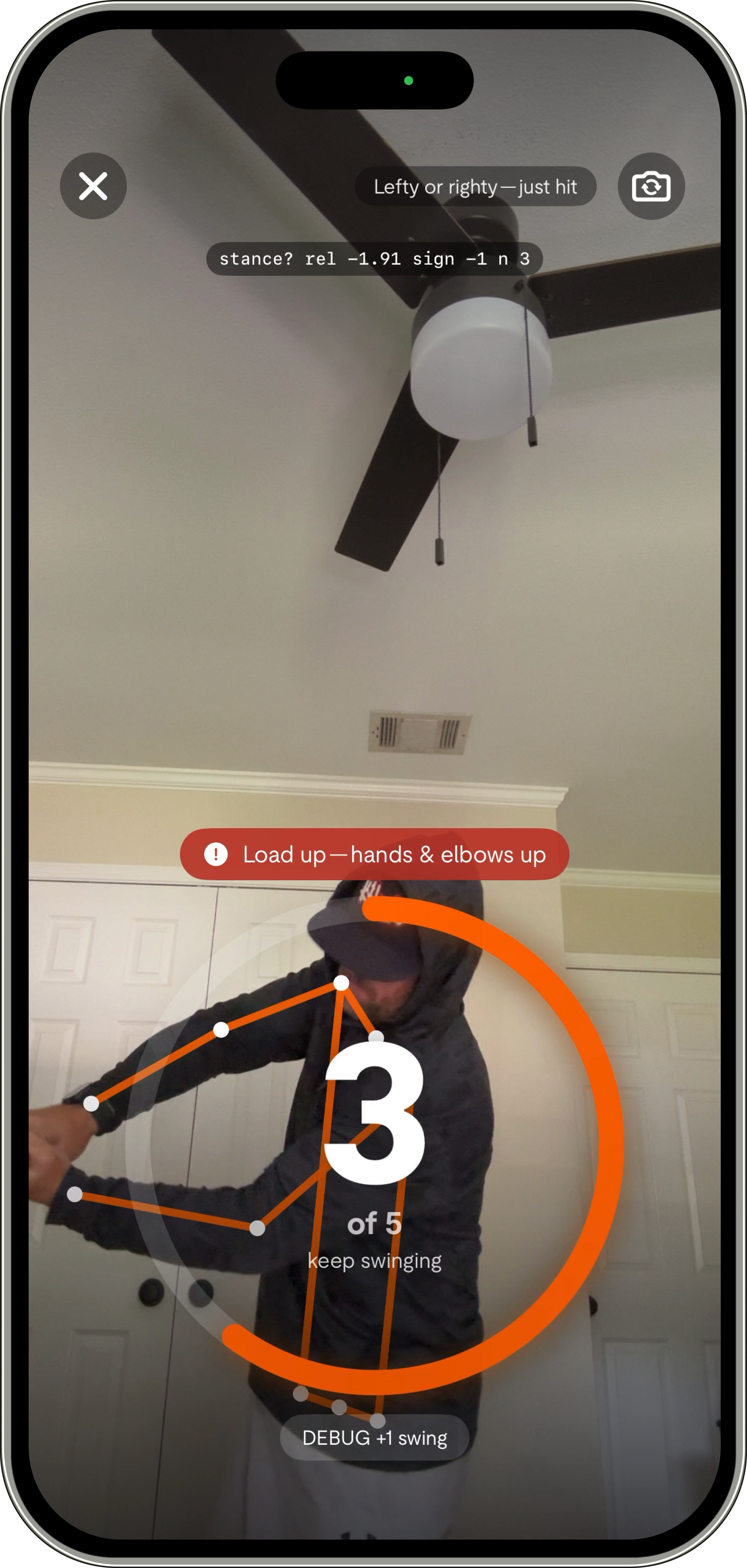
Prop your phone and swing off the tee. The camera counts and analyzes each one.
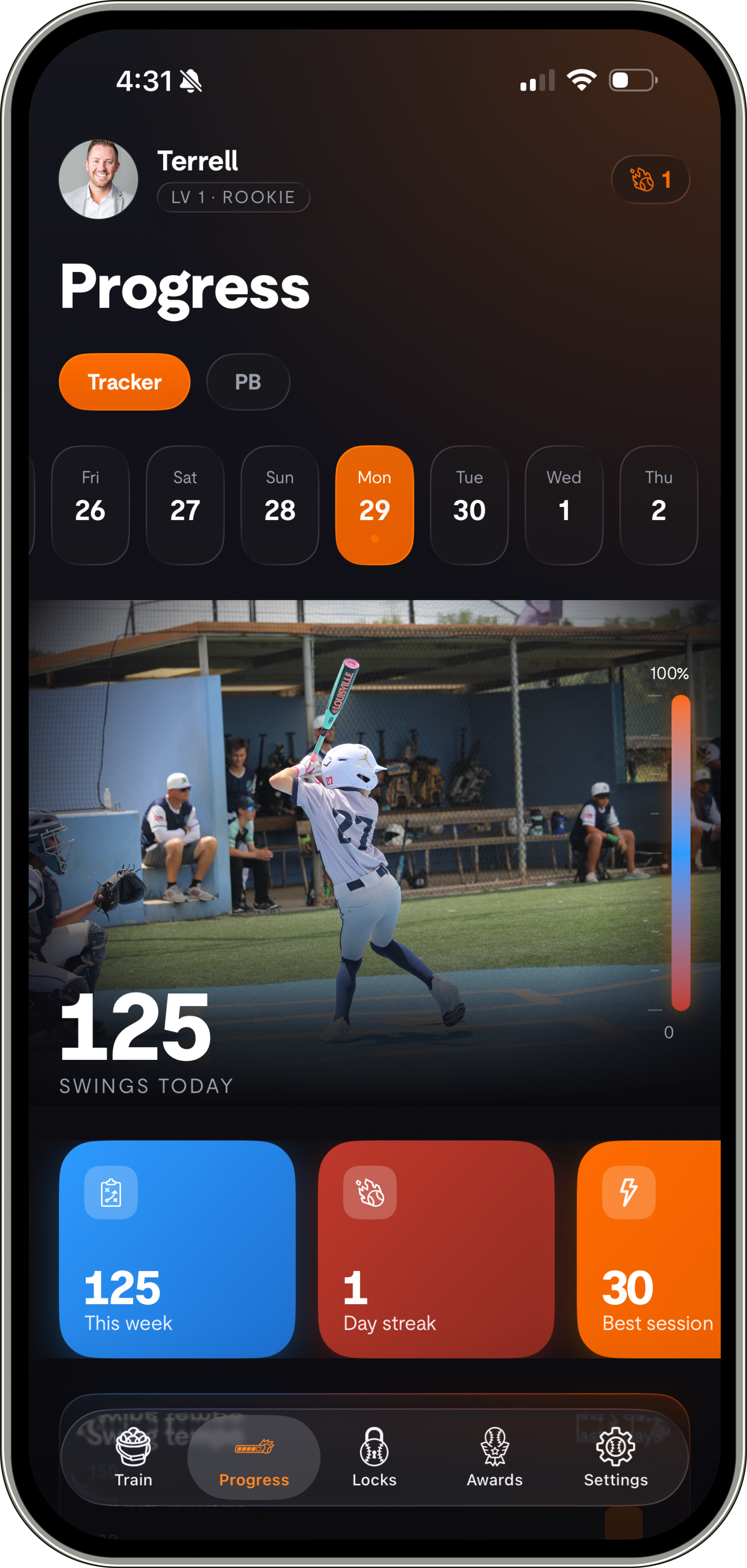
Earn your screen
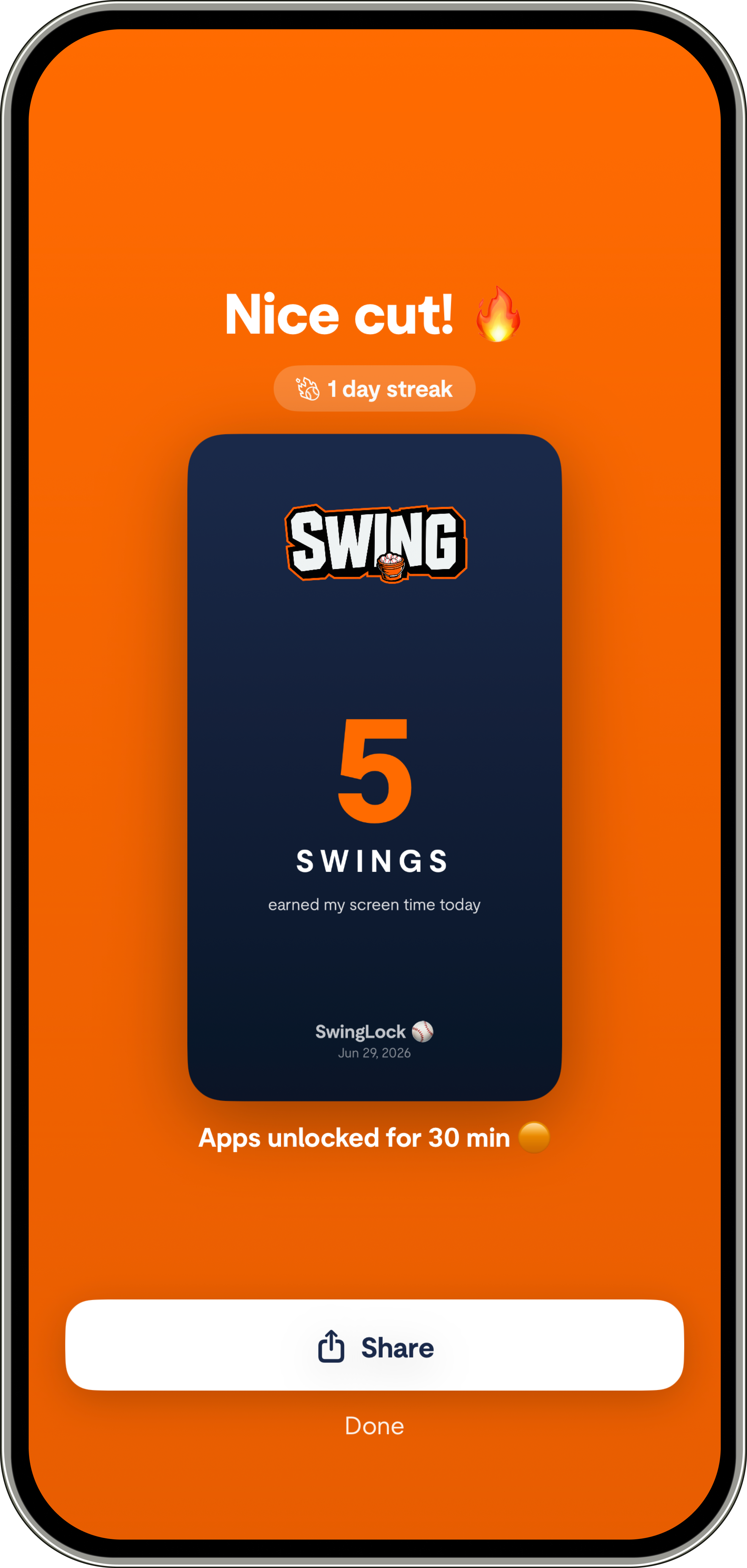
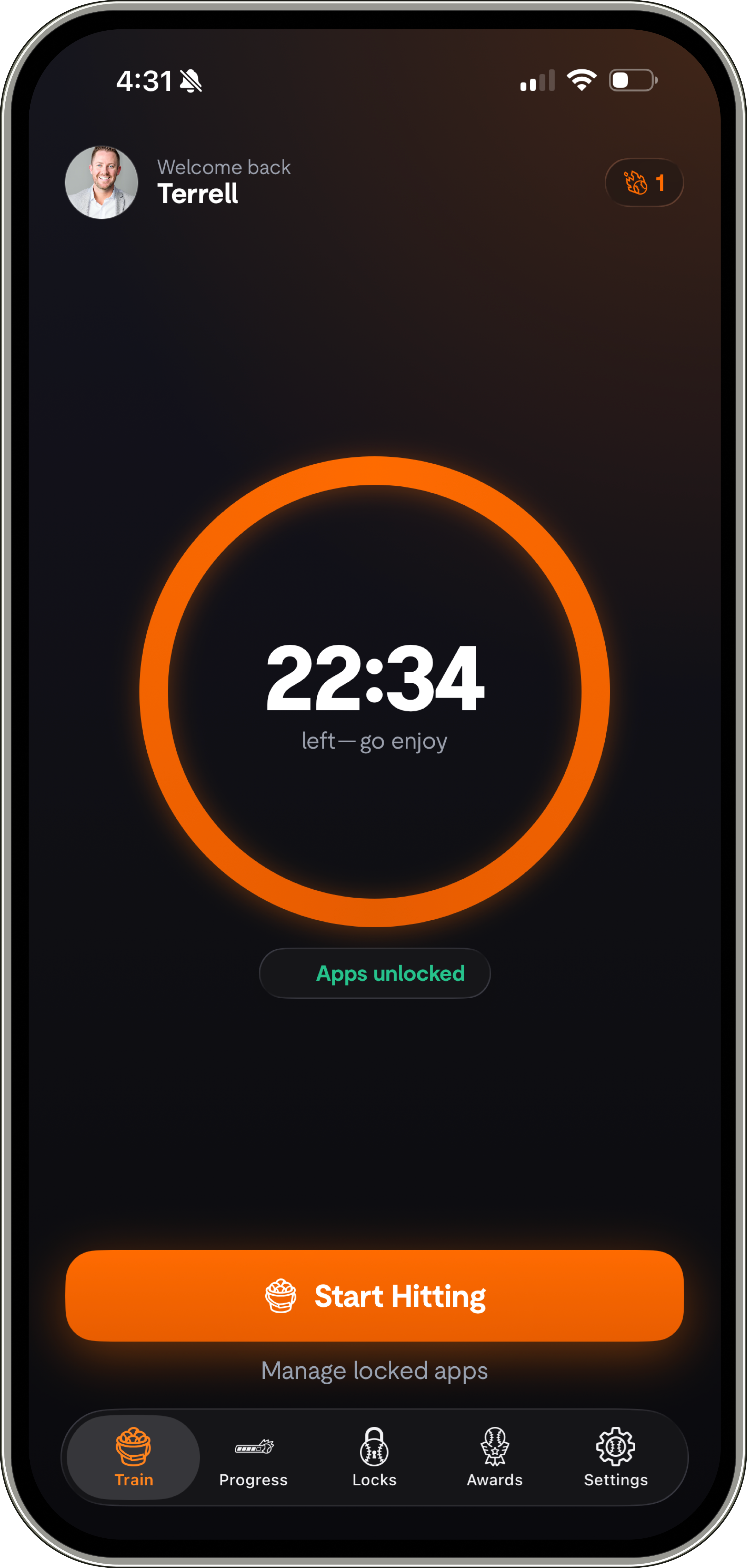
Hit your number and your apps unlock. They re-lock when time's up.
Your swings, analyzed by an AI coach.
Every session ends with a Coach's Report — tempo, sequence, hand path and balance — turned into plain-English tips and a drill. Swings are analyzed on your iPhone; only the metrics (never your video) power the coaching.
Counts every swing, on your phone.
On-device camera detection using Apple's Vision framework. The camera feed used to count and analyze your swings is processed live on your iPhone — not uploaded.
Record and review your cuts.
Turn on video to capture your swings and play them back anytime in My Swings, alongside your full session history. Clips are stored privately in your account — only you can see them, and you can delete them whenever.
Built for ballplayers.
Baseball and softball, righty and lefty, youth through college. These are the reps your coach already wants you taking.
Start free. Back up when you want.
No login to begin — you're anonymous by default. Create an account later to back up your swings and videos and carry them to a new phone. Delete everything in a tap, anytime.
In the app
See SwingLock in action
Built with coaches.
Trusted by hitters.
Questions
Lock the apps that steal your time behind real swings. Pick your apps, set a swing goal, and prop your phone — the camera counts your hacks off the tee. Hit your number and your apps unlock; they re-lock automatically when your time's up, so the next round has to be earned too.
Three choices, once: pick the apps to lock (using Apple's Screen Time — social, games, browsers, anything), set your swing goal (5 to 50, default 20), and choose your unlock window — 15 min, 30 min, 1 hour, 2 hours, or “until a set time.” Tap “Lock ’em up” and you're live.
You'll hit the SwingLock screen instead. Open SwingLock, tap Start Hitting, and swing — the count ticks up with a bat-crack on every verified rep. Hit your goal and your apps unlock instantly, no extra taps.
No. SwingLock uses Apple's on-device Vision to count only a real swing motion — a hand wave or bat wiggle won't count. There's no wearable to fake and nothing to charge, and the camera feed is never recorded or uploaded.
Yes. On top of earn-to-unlock, you can set recurring downtime — like lock everything from 3:00–8:00 PM on school days. Outside those hours your apps are free; inside them, you hit to unlock. (Extra lock profiles and schedules come with Pro.)
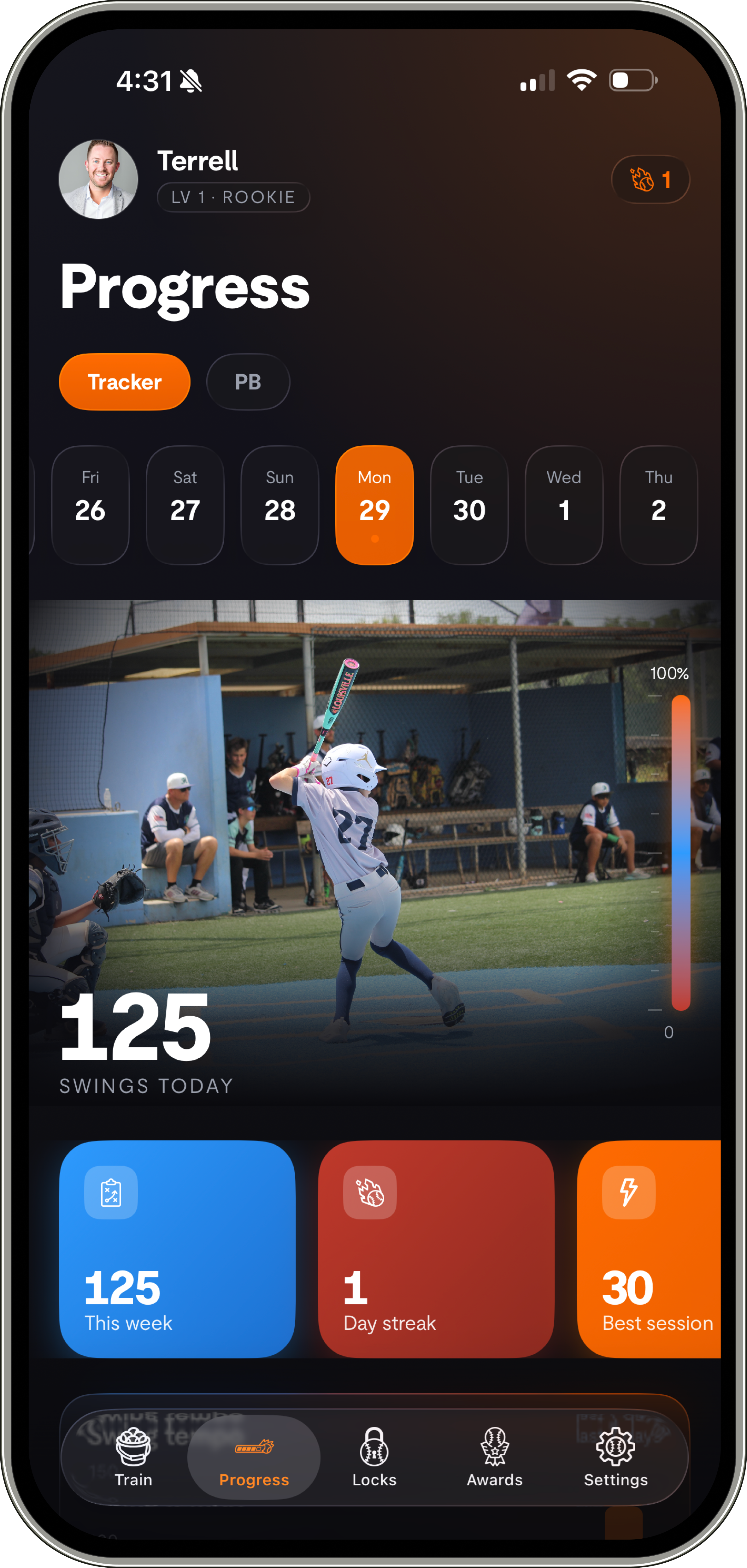
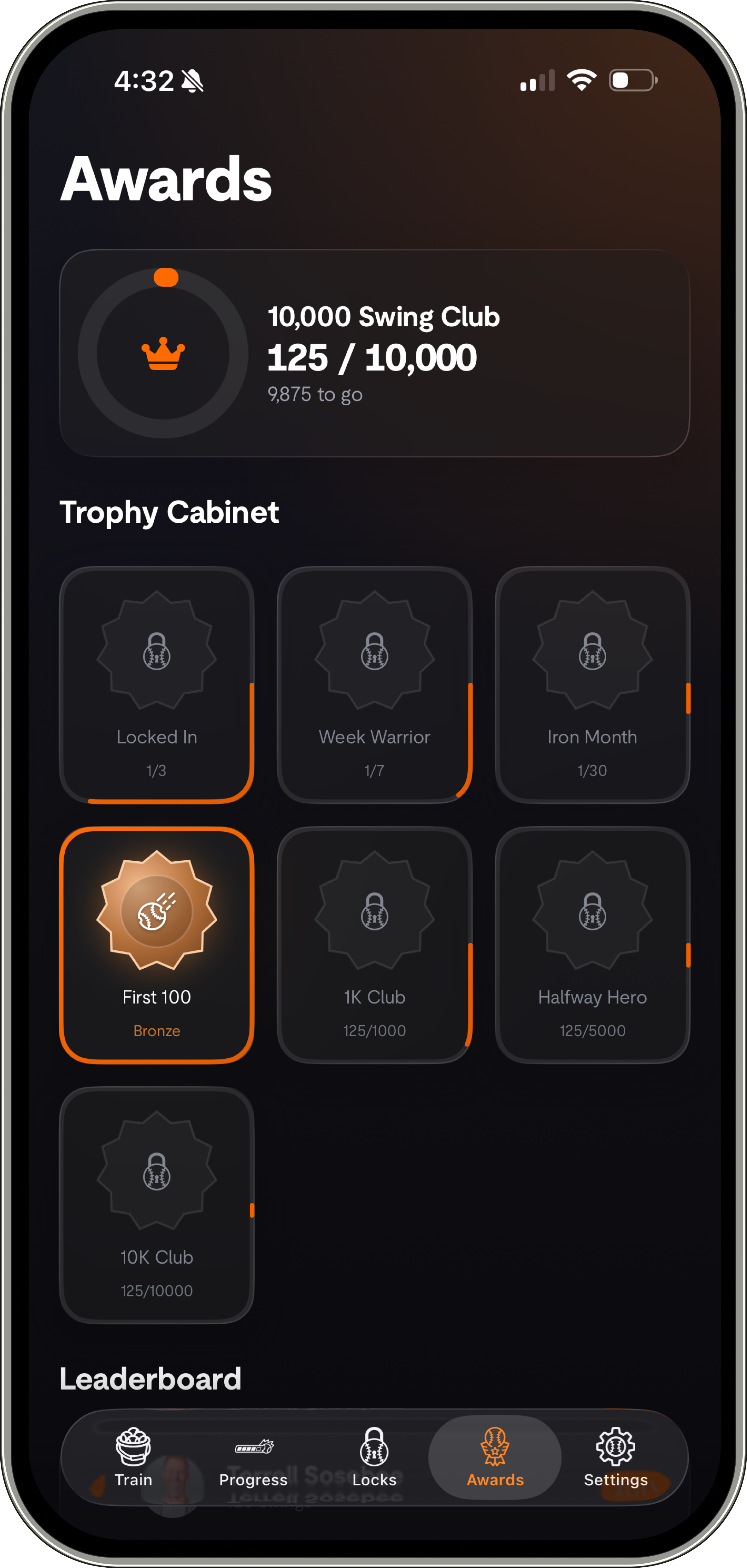
It's built to become a habit: daily streaks you won't want to break, a trophy cabinet of badges from Locked In (3-day streak) all the way to the 10,000 Swing Club, a leaderboard, and a Coach's Report after every session. The blocker quietly turns into training.
After each session SwingLock turns your swing metrics — tempo, sequence, hand path and balance — into a plain-English Coach's Report with one thing to work on and a drill. It reads mechanics and tendencies; only the metrics (never your video or images) are used to write it.
There's a one-per-day emergency unlock that opens your apps right away — but it resets your current streak to zero, so it's there for real needs, not for caving.
The core loop is free forever — locking, swing counting, your Coach's Report, one profile and streaks. SwingLock Pro adds multiple lock profiles & schedules, your full swing history & trends (My Swings), and saved swing-video review.
Only if you want it to. Counting and analysis happen live on your iPhone and aren't uploaded. If you turn on Save Swing Videos (a Pro feature, off by default and gated behind a parent/guardian confirmation), your clips are stored privately in your account so you can review them — and you can delete them anytime.
No — SwingLock works fully without one and is anonymous by default. You can optionally create an account (Sign in with Apple, Google, or email) to back up swings across devices, and a parent or guardian can delete the account and all data anytime.
Absolutely — baseball and softball, righty and lefty, youth through college. The counter doesn't care which way you hit.
Earn your screen time. One swing at a time.
Put in the work. Earn the screen.